Stash it.
Share it.
Keep your snippets, commands, and prompts in one private stash. Share any of them with a short link, a raw URL for curl, or a clean image.
Share a snippet
import { useEffect, useState } from 'react';

export function useDebounce<T>(value: T, delay = 300): T {
  const [debounced, setDebounced] = useState(value);

  useEffect(() => {
    const timer = setTimeout(() => setDebounced(value), delay);
    return () => clearTimeout(timer);
  }, [value, delay]);

  return debounced;
}
devstash.io/s/k3j9x2ab
Link copied
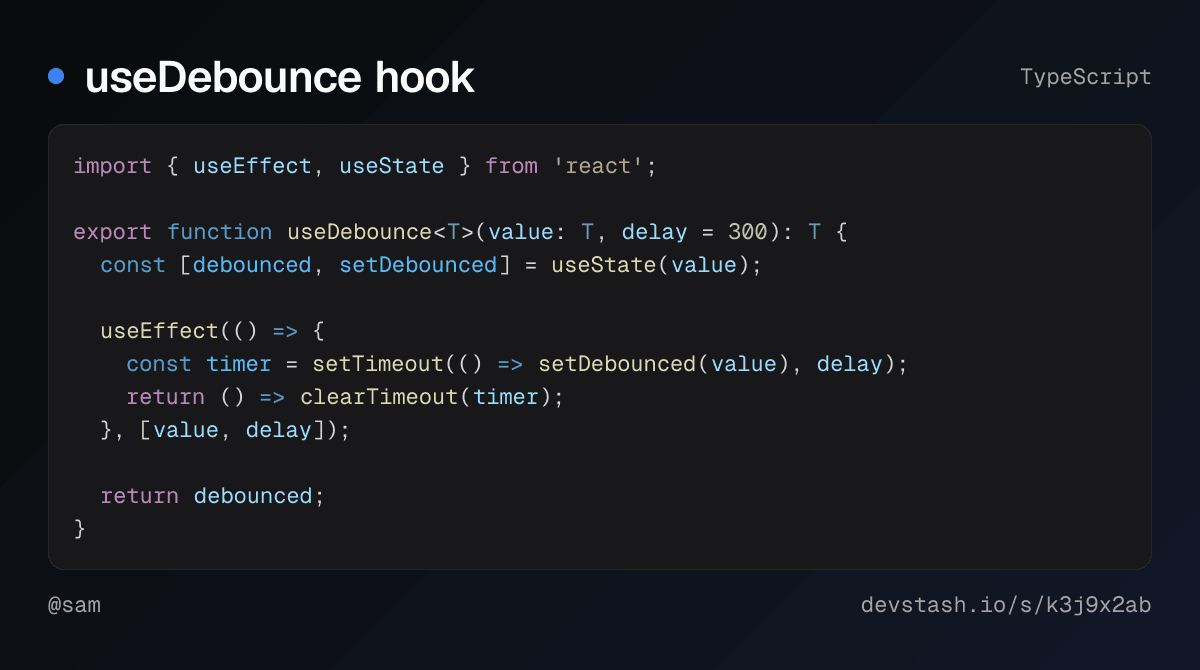
One link, every format
Every shared snippet gets a short link that never changes. Change the end of it to get the format you need.
devstash.io/s/k3j9x2ab
The page: highlighted, with a copy button, readable on any device.
useDebounce hook
TypeScriptHolds back a fast-changing value, like a search box, until the typing stops.
import { useEffect, useState } from 'react';

export function useDebounce<T>(value: T, delay = 300): T {
  const [debounced, setDebounced] = useState(value);

  useEffect(() => {
    const timer = setTimeout(() => setDebounced(value), delay);
    return () => clearTimeout(timer);
  }, [value, delay]);

  return debounced;
}
$ curl -s https://devstash.io/s/k3j9x2ab/raw
import { useEffect, useState } from 'react';

export function useDebounce<T>(value: T, delay = 300): T {
  const [debounced, setDebounced] = useState(value);

  useEffect(() => {
    const timer = setTimeout(() => setDebounced(value), delay);
    return () => clearTimeout(timer);
  }, [value, delay]);

  return debounced;
}
Collections get a readable address too: devstash.io/sam/docker-essentials is one ordered page, and .md on the end gives you the same collection as markdown.
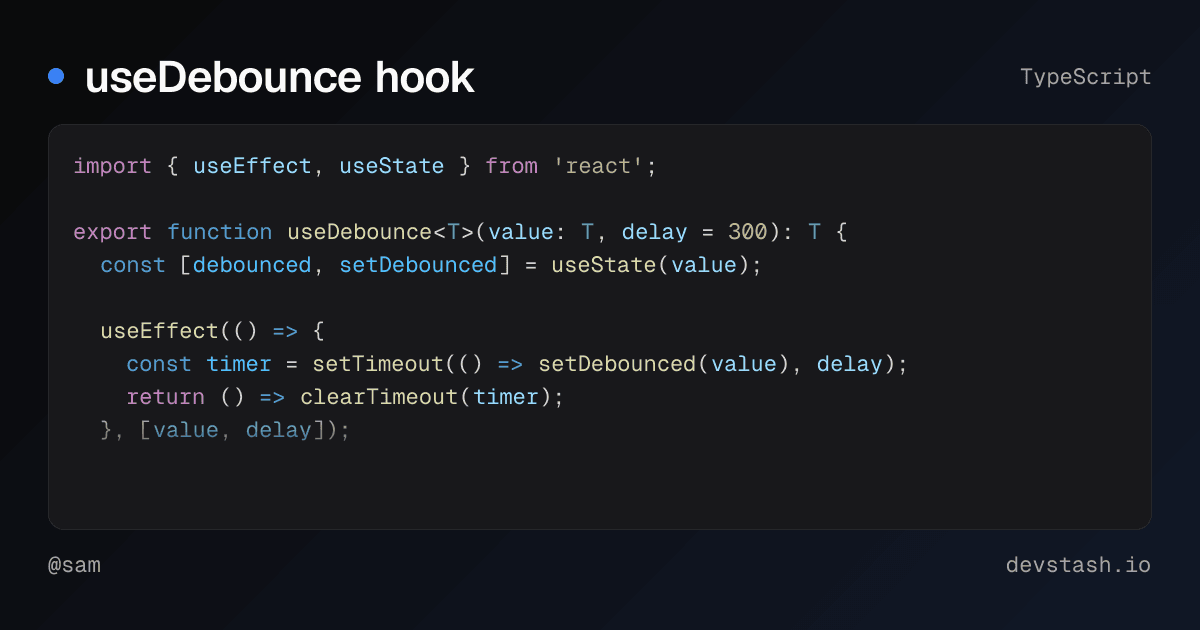
Looks right wherever you paste it
Every link unfurls into a preview card with the code on it, in Slack, X, Discord, and iMessage.
jordan10:42 AM
Here's the debounce hook from standup https://devstash.io/s/k3j9x2ab
DevStash
useDebounce hook
Holds back a fast-changing value, like a search box, until the typing stops.
Found something useful? Keep a copy.
Save to your stash copies a shared snippet, or a whole collection, into your own account. Your copy stays private until you share it.
Use it from your AI tools
DevStash runs an MCP server, so Claude Code, Codex, and Cursor can search your stash, save what you are working on, and hand back a share link without leaving the editor.
Save this hook to DevStash and give me a share link
devstash save_item useDebounce hook, TypeScript
devstash share_item unlisted
Saved and shared: https://devstash.io/s/k3j9x2ab
Find my Docker notes in DevStash
devstash search_items "docker"
Found 3: Run Postgres locally, docker-compose.yml, Cleanup checklist
One line to connect
Nothing to install. Create a token on the settings page, then add the server to your agent. Any MCP client that supports Streamable HTTP and can send a header works too.
claude mcp add --scope user --transport http devstash https://devstash.io/mcp --header "Authorization: Bearer ds_your_token"
Run it in a terminal to add DevStash to every project.
[mcp_servers.devstash]
url = "https://devstash.io/mcp"
http_headers = { "Authorization" = "Bearer ds_your_token" }
Add it to ~/.codex/config.toml, which the Codex CLI, IDE extension, and app share.
{
  "mcpServers": {
    "devstash": {
      "url": "https://devstash.io/mcp",
      "headers": {
        "Authorization": "Bearer ds_your_token"
      }
    }
  }
}
Add it to ~/.cursor/mcp.json.
Everything you share starts in your stash
Save it privately first, find it in a keystroke, and share it only when you choose.
Private by default
Everything you save is yours alone until you choose to share it. Change who can see an item or a collection any time.
Instant search
Cmd+K finds any snippet, prompt, command, or note by its title or content.
Collections
Group items by project or topic. Keep a collection private, or publish it as one ordered page.
Snippets to whole pages
Snippets, prompts, commands, and links, highlighted in 30 languages. Paste a whole gist and share it as one page.
AI helpers
Suggested tags, plain-English explanations of code, and a prompt optimizer that rewrites your prompts.
Export anytime
Download everything as markdown or JSON whenever you want.
Your next snippet deserves a link
Free to use, with sharing built in. Paste something and send the link.
Start sharing free